Ravon Gordon / Technology portfolio

Curiosity.
Built into
working systems.

I connect the dots between infrastructure, software, and everyday problems. Then I build, troubleshoot, and keep learning.

01 / The personal lab
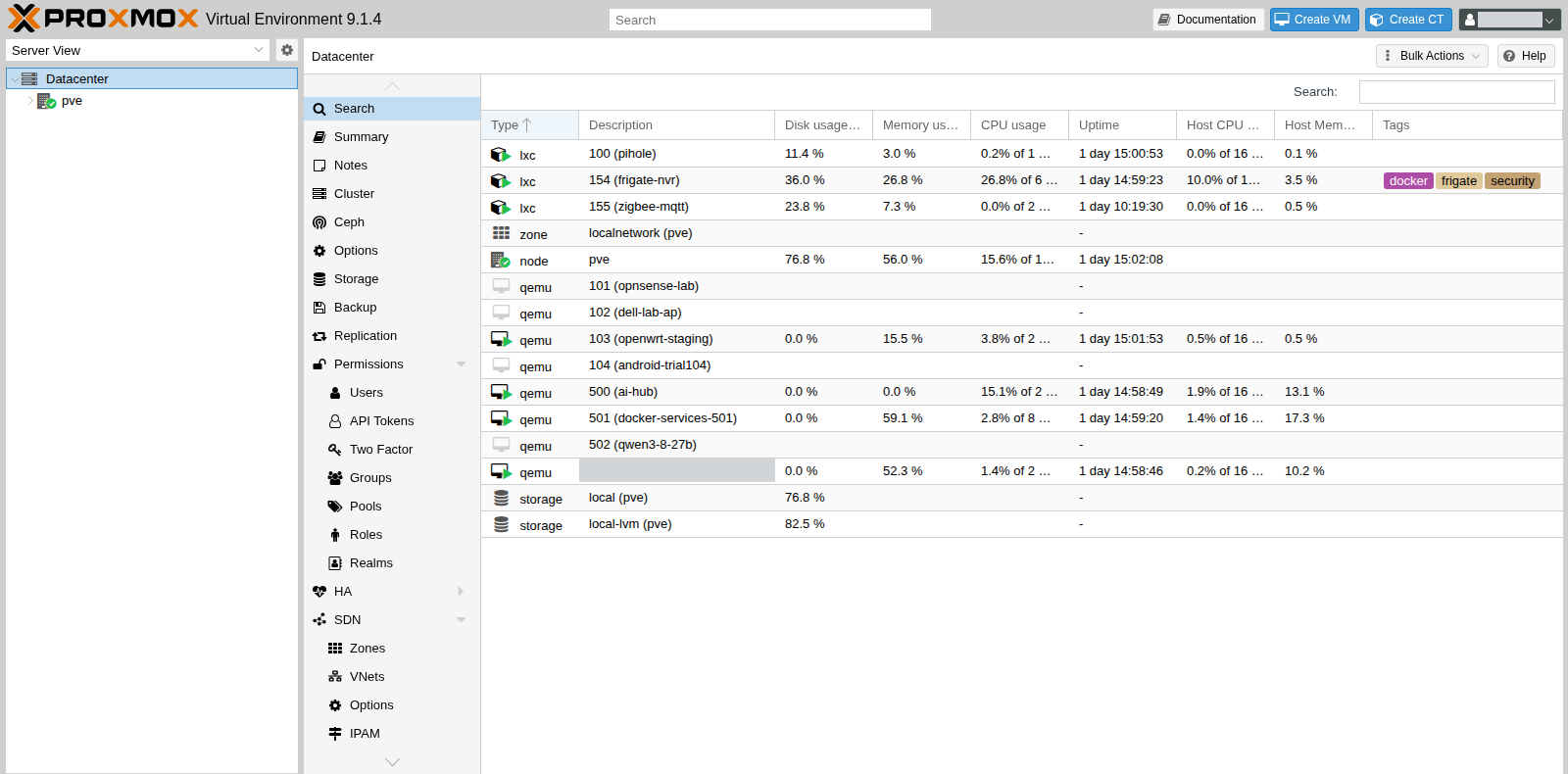
Proxmox management interface from Ravon’s personal home lab
A real environment for learning how systems fit together.
Built. Tested. Documented.
Hands-on projects. Practical learning.Infrastructure / Web / Automation

A builder’s mindset.
A connected skill set.

01—

Systems that connect

Linux, virtualization, networking, and secure remote access.

02—

Ideas you can use

Websites, browser workspaces, and practical automation.

03—

Learning that sticks

Reproduce a problem. Test the fix. Write down what works.

Selected technical projects

From the lab.
Into the real world.

Hands-on work, built with AI-assisted workflows.
Real interfaces from the projects behind the learning.

02 / Practical applications

Less friction.
More useful tools.

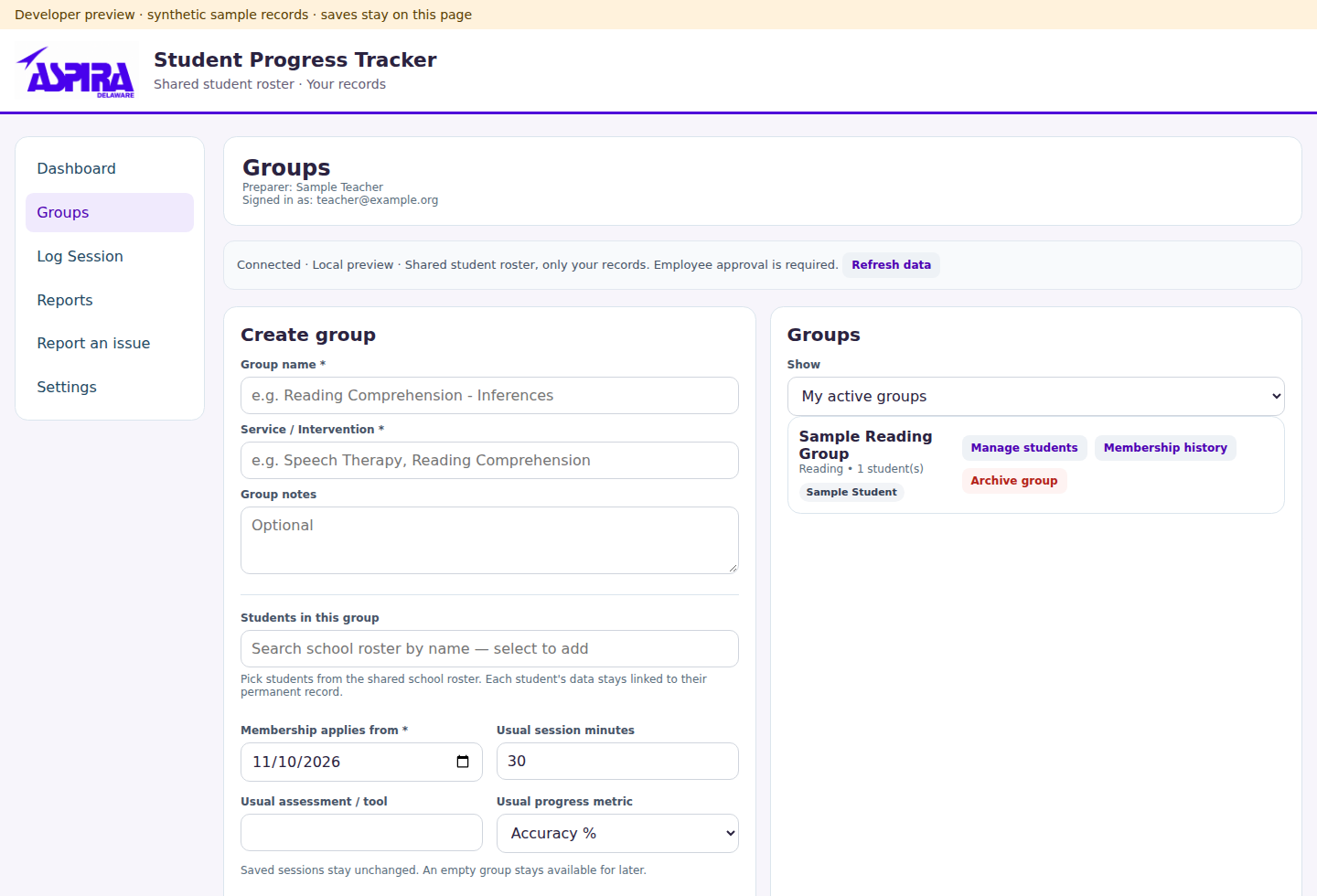
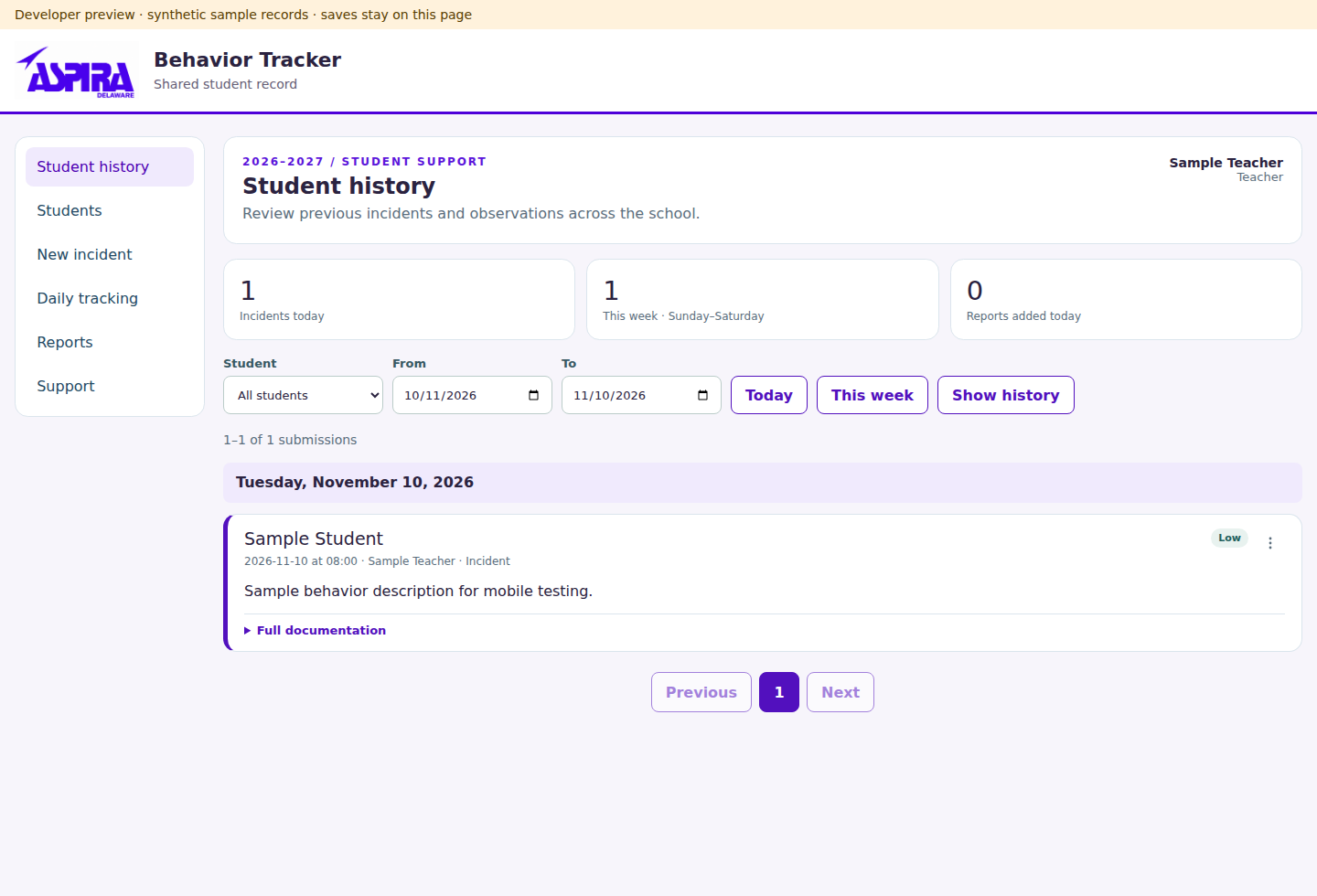
Two ASPIRA workflow applications bring student progress tracking and behavior observations into focused, role-controlled teacher and administrator interfaces.

Student Progress Tracker
Group sessions, attendance, goals, and service minutes work together with private drafts and paginated reports.
Behavior Tracker
Daily observations and incidents support correction flags, administrator review, and undo or restore workflows.
The approach
AI-assisted implementation with attention to startup reliability, mobile use, and confidentiality. Public previews use synthetic data.
  • Google Apps Script
  • Google Sheets
  • JavaScript
  • HTML / CSS
Student Progress Tracker preserved application preview using synthetic data
Student Progress Tracker · Synthetic preview · November 2, 2026 build.
Behavior Tracker preserved application preview using synthetic data
Behavior Tracker · Synthetic preview · November 2, 2026 build. Previews precede the latest releases.

03 / Web experience

A terminal.
With personality.

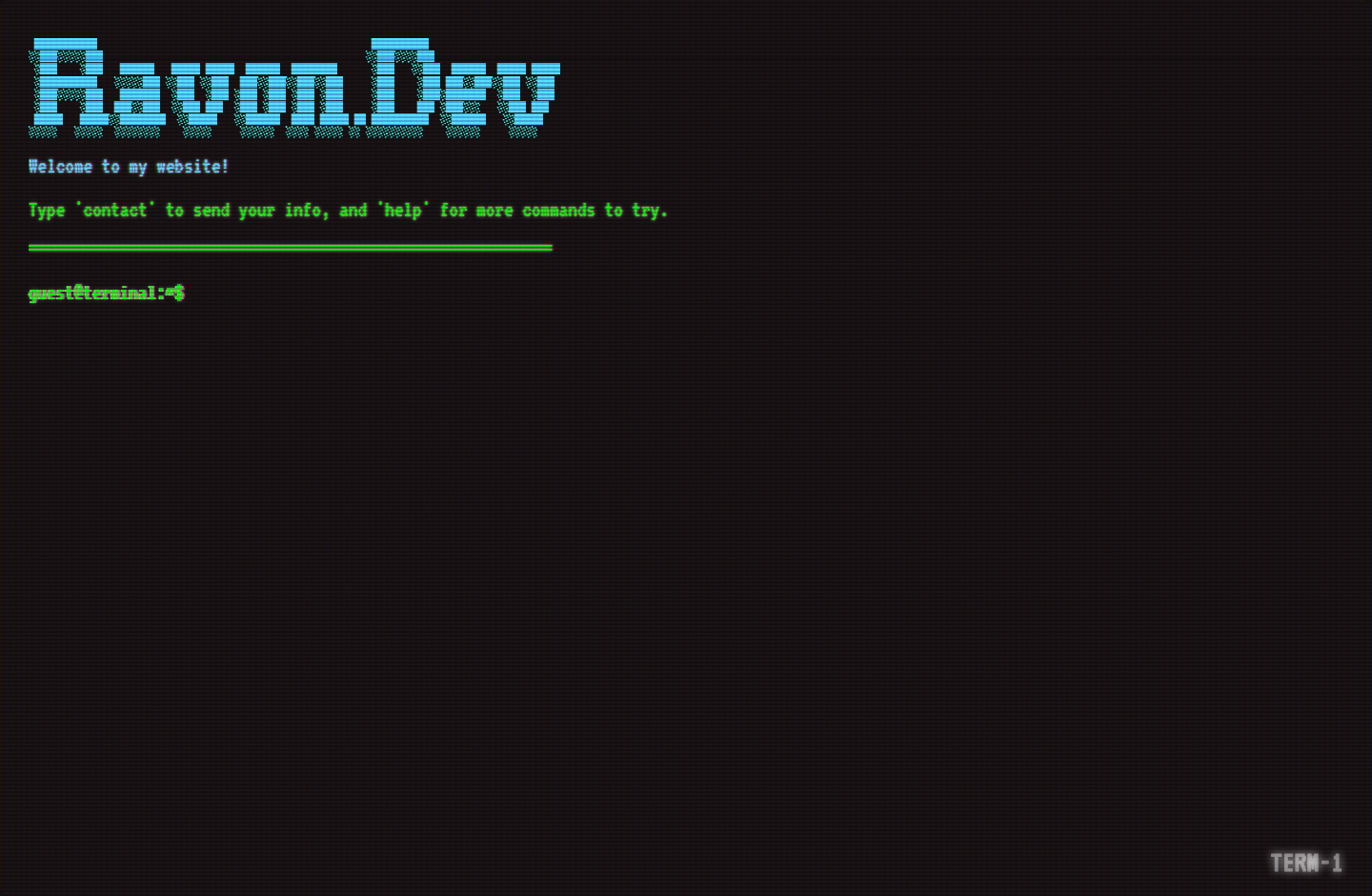
My personal website turns a familiar command-line interface into a retro, interactive web experience.

The work
Build and deploy an interactive terminal-style site on Vercel, with a distinctive CRT-inspired visual direction.
Explore it
The live website and public Fake-CRT repository make the project easy to inspect. The repository credits the upstream inspirations behind its CRT effects.
  • Web development
  • Interactive UI
  • Vercel
Ravon.dev retro terminal website
ravon.dev / A personal site with an interactive terminal interface.

04 / Remote workspaces

A Linux workspace.
Inside a browser.

Configured Kasm to provide persistent browser-based Linux workspaces, combining application delivery with the networking that makes remote access possible.

The work
Connect Cloudflare Tunnel, MFA, and WebSocket access; verify persistence and session recreation.
Project status
Previously verified; currently paused to reserve lab capacity. The workspace service is not running.
  • Kasm
  • Linux
  • Cloudflare Tunnel
  • MFA
Configured architecture · service currently paused.

05 / Connected home

Software meets
the everyday.

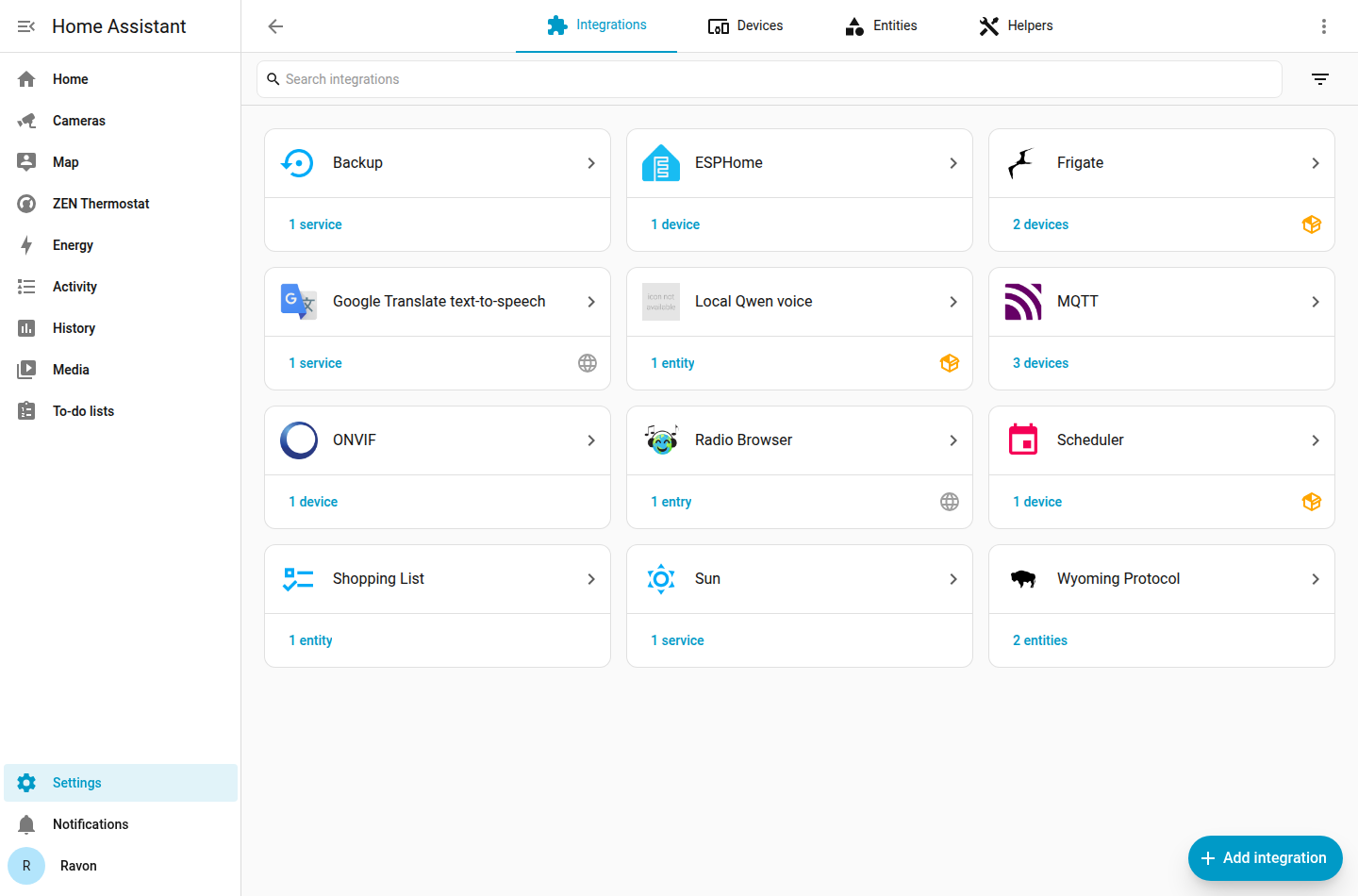
Connected home automation is a practical way to learn how services, messaging, devices, and physical behavior depend on each other.

The work
Integrate Home Assistant and Zigbee2MQTT with an authenticated Mosquitto MQTT broker using TLS.
The learning
Work through thermostat and lock integrations, including recorded physical acceptance checks—not just a successful dashboard response.
  • Home Assistant
  • Zigbee2MQTT
  • MQTT / TLS
Sanitized Home Assistant automation project interface
Connected devices, supporting services, and real-world verification.

06 / More to explore

Keep building.
Keep learning.

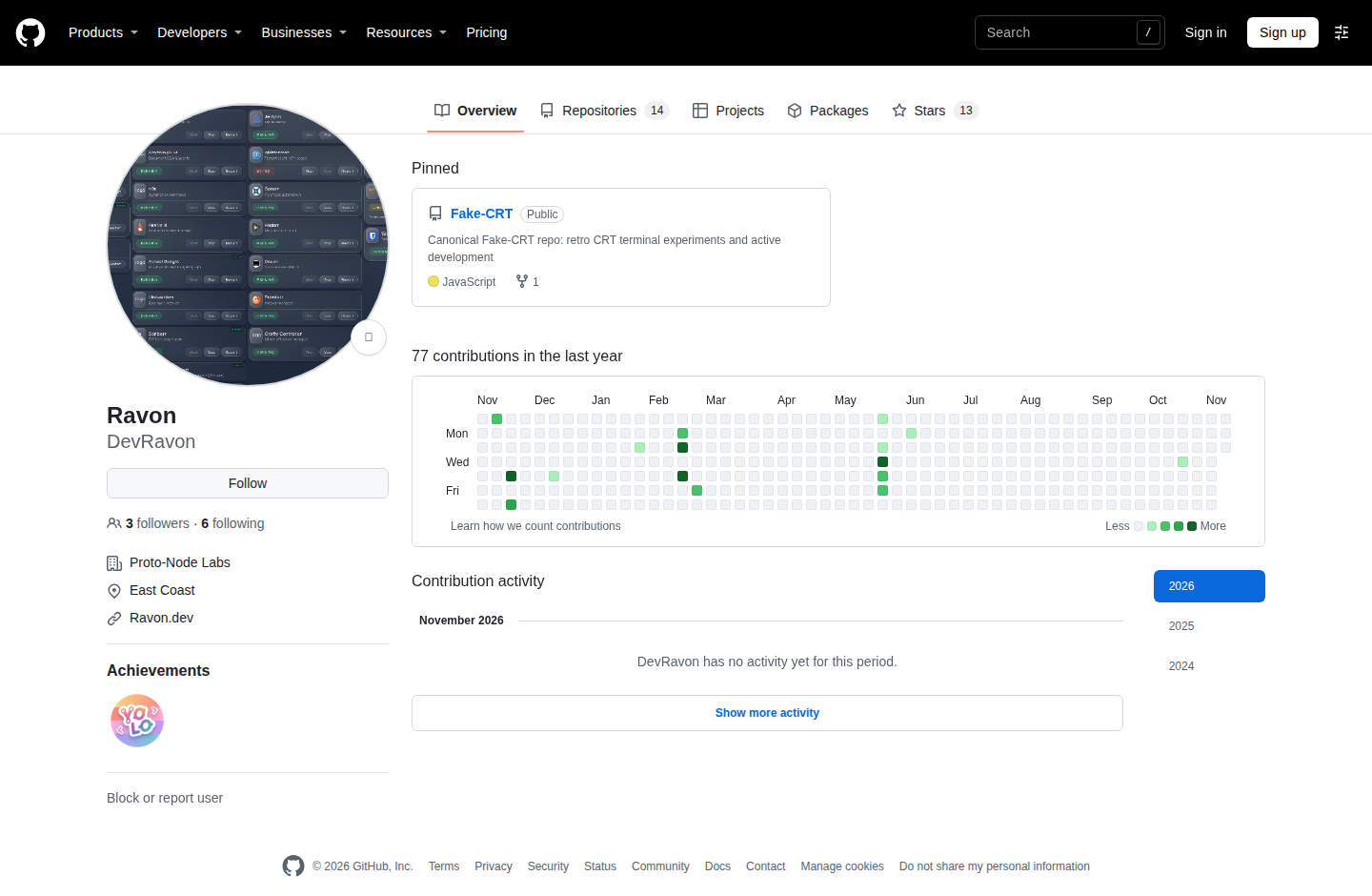
My public GitHub includes Fake-CRT, with credits to upstream CRT inspirations, and Py_Game: Escape the Rogue AI, a Python command-line game developed with collaborators, with packaging and tests.

Explore GitHub / DevRavon
DevRavon’s public GitHub profile and repositories
Public code and project exploration.

How I work

The build is only
part of the work.

I use AI as a tool for learning and implementation, alongside hands-on testing, troubleshooting, and documentation.

01 / Understand

Follow the connections.

Look at the whole path—from the interface and application to its service, network, and host.

02 / Verify

Test what matters.

Reproduce failures, check the behavior after a change, and distinguish a working screen from a working system.

03 / Document

Make it repeatable.

Capture the setup and troubleshooting steps so the next change starts with something useful.

Let’s connect

Let’s build
what comes next.